What to do in the event of a No-Show
Learn what steps drivers must take when a passenger is a no-show, including how to collect and upload the required proof within 24 hours via the portal.
Follow this procedure immediately if a passenger does not show up or refuses the service without a valid reason — proofs must be uploaded within 24 hours of the service.
⚠️ If you send incomplete or incorrect data, the reservation may be cancelled, the customer refunded, or accounting may be delayed.
Before the Pick-Up
The driver must give the passenger clear instructions on where and how to meet before the pick-up time. This is especially important at airports where Meet & Greet is not guaranteed.
Try all available ways to contact the passenger before starting:
Phone calls
Messages via the 'MESSAGES' function in the portal
SMS
WhatsApp
Mandatory Proof Required
Three things must be evidenced:
That the driver tried to contact the passenger
That the driver arrived on time
That the driver waited until the end of the free waiting time
Evidence Checklist
Proof Required | Details |
|---|---|
Driver position in the app | On arrival, set your status to "Driver on pick-up point" in the app. If the app is not working, take a screenshot of your location in Google Maps. |
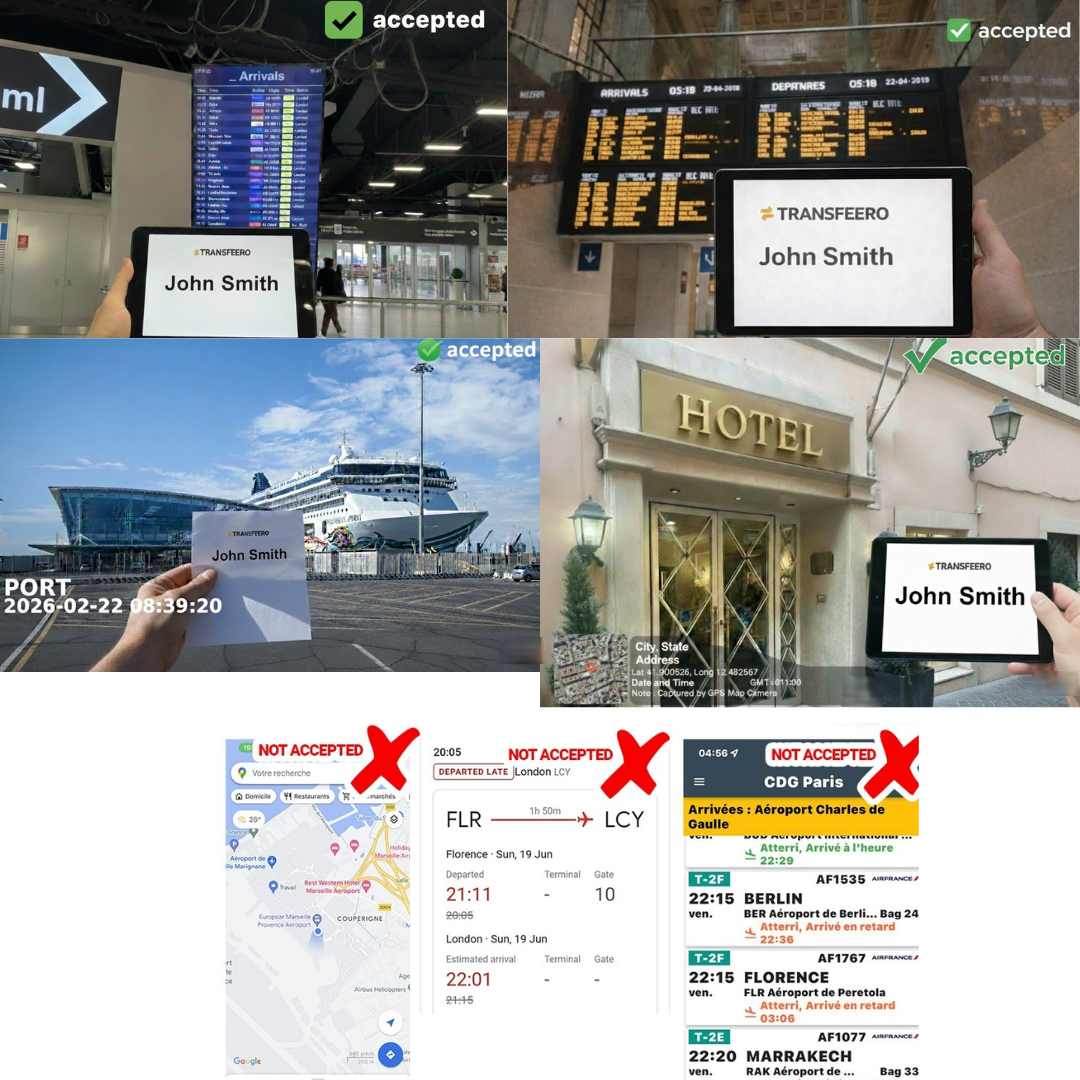
Photo of the welcome sign | Must show the customer's name clearly. |
Airport pick-ups | Try to include the arrivals board showing the flight details. |
Non-airport pick-ups | Take the photo in front of the pick-up address with the house number visible. |
GPS record | GPS record of the vehicle for the booking. |
Timestamps | Make sure the time is visible on all photos and records. |
Before Leaving the Location
Send a final message to the client via the portal informing them that you are leaving.
How to Upload Proofs in the Portal
Go to the Booking tab.
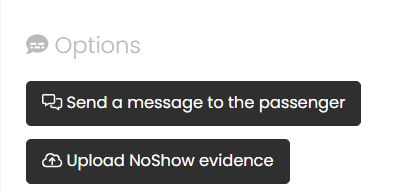
Click "UPLOAD NO-SHOW EVIDENCE" on the right-hand side.
Important Notes
Do not take photos or videos of customers.
Driver selfies are not allowed and will not count as proof.
Examples of No-Show Proofs